Overview

HyperRail supports two primary account types:
  • Merchants — businesses that perform on-ramp, off-ramp, and fiat exchange transactions
  • Liquidity Providers — institutions that supply fiat or stablecoin liquidity to power transactions on the platform
Choose the role that best matches how you intend to use HyperRail.

Onboarding as a Merchant

Merchants use HyperRail to convert currencies, manage treasury, and move funds across regions.
1

Create an Account

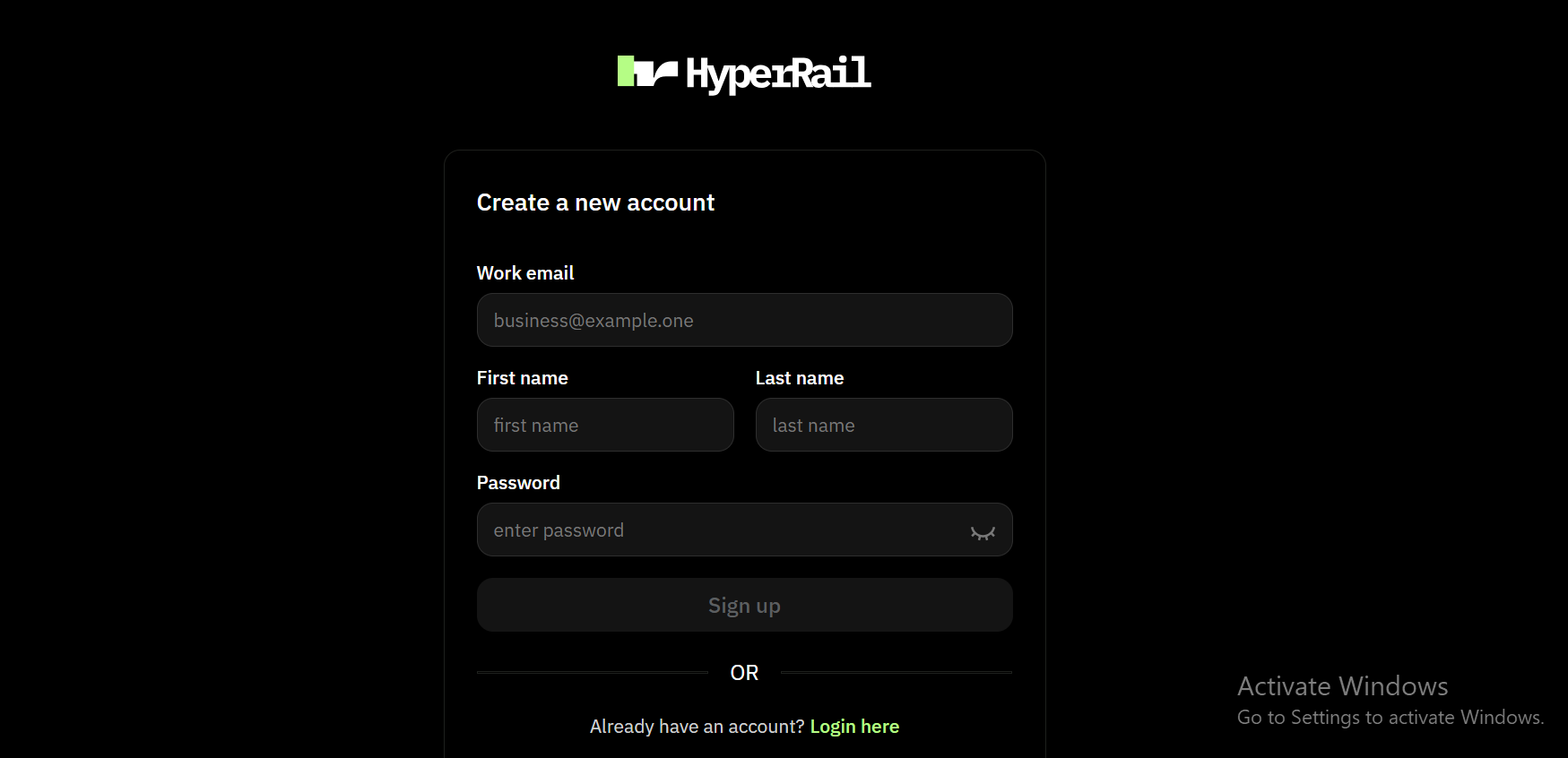
Main dashboard interfaceSign up on HyperRail using your business email and complete basic account setup.
2

Fill in business information

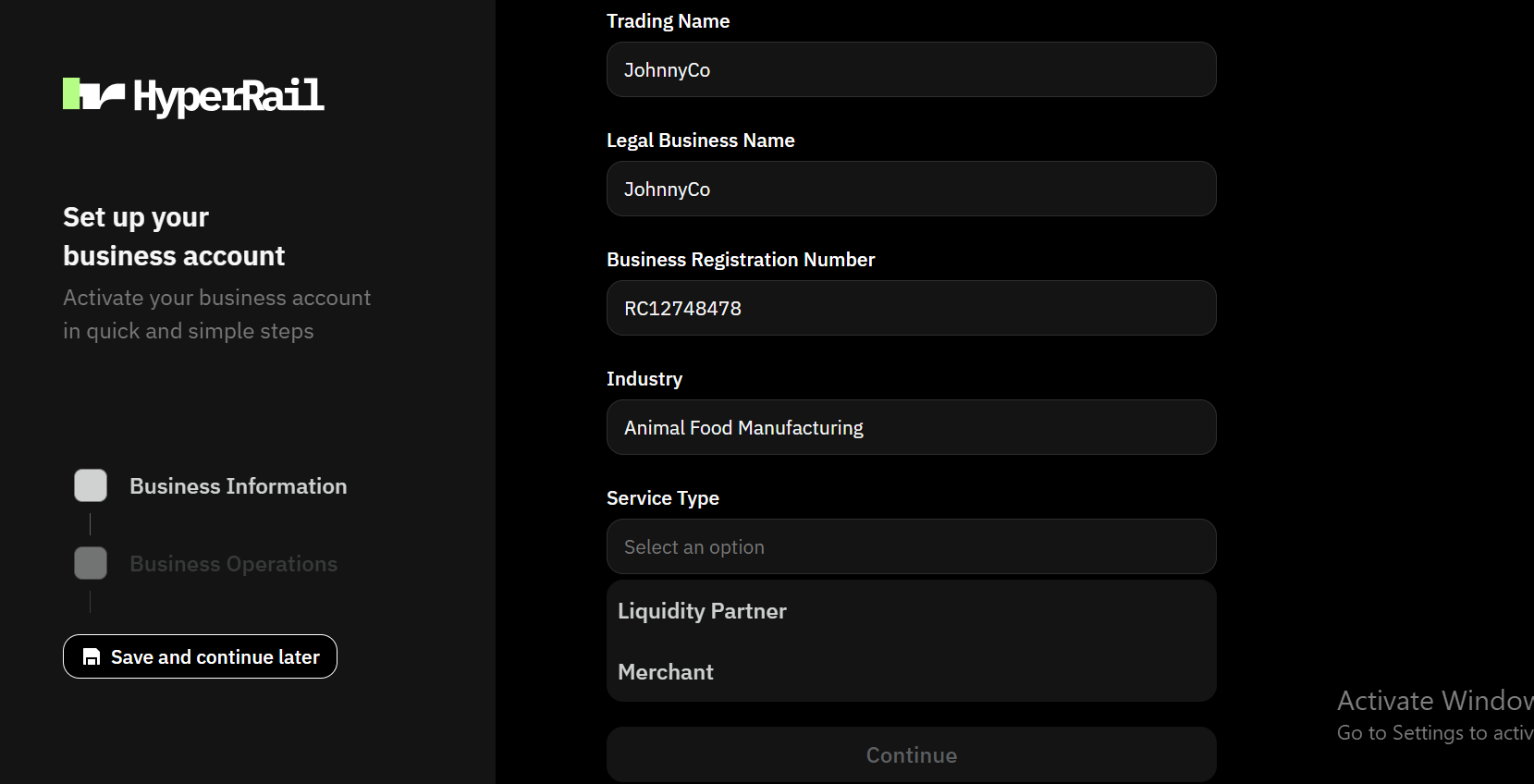
Main dashboard interfaceSelect merchant as service type
3

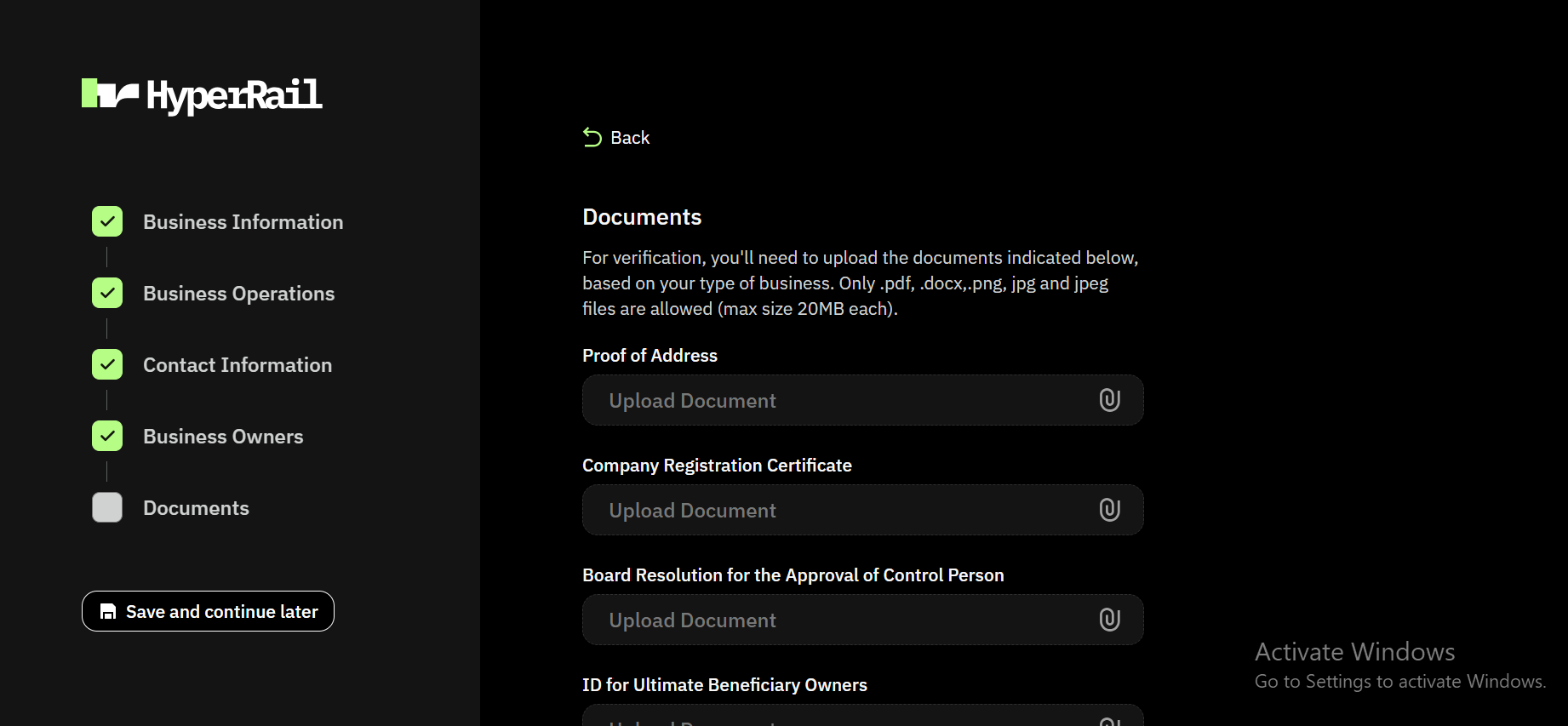
Complete business verification

Main dashboard interfaceFill other information on business operation, contact information, business owners and documents. Don’t know what documents to upload check out verification process
4

Fund your account

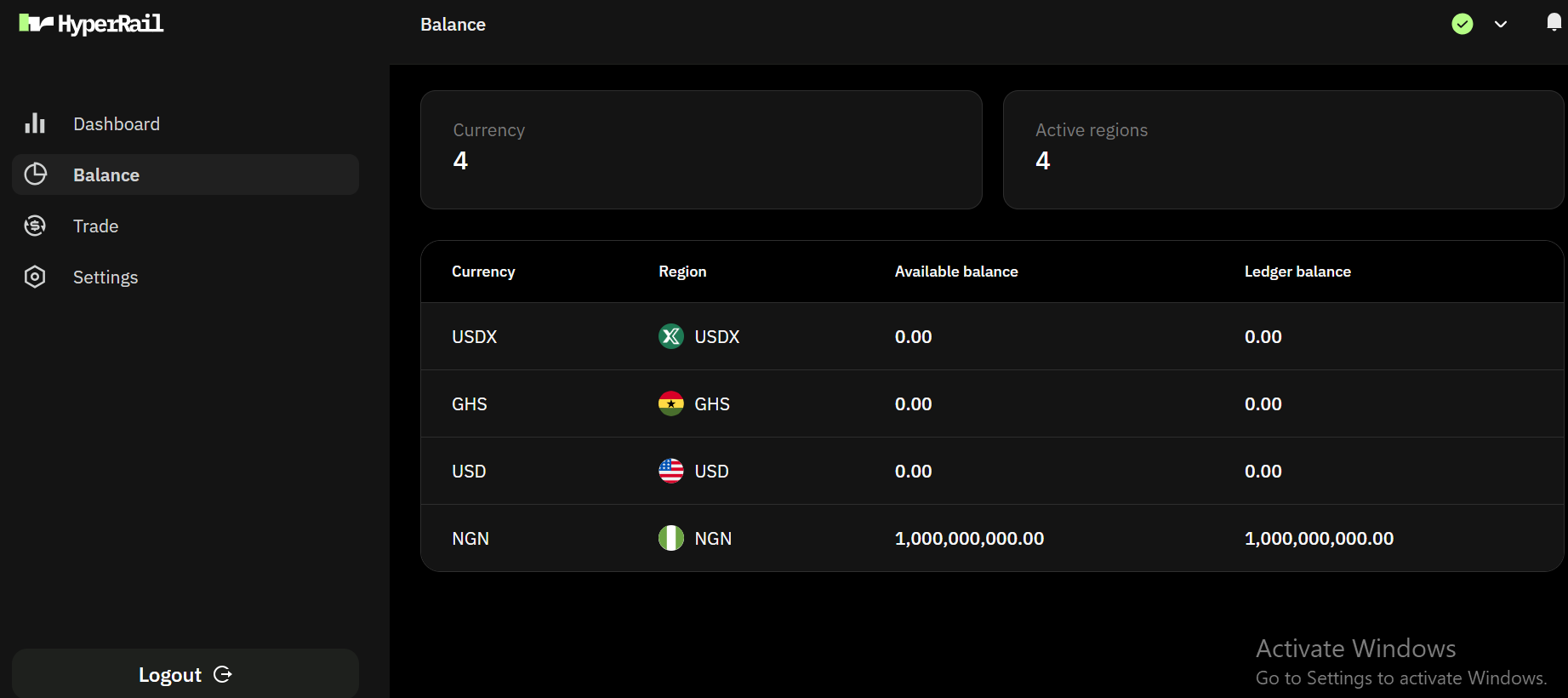
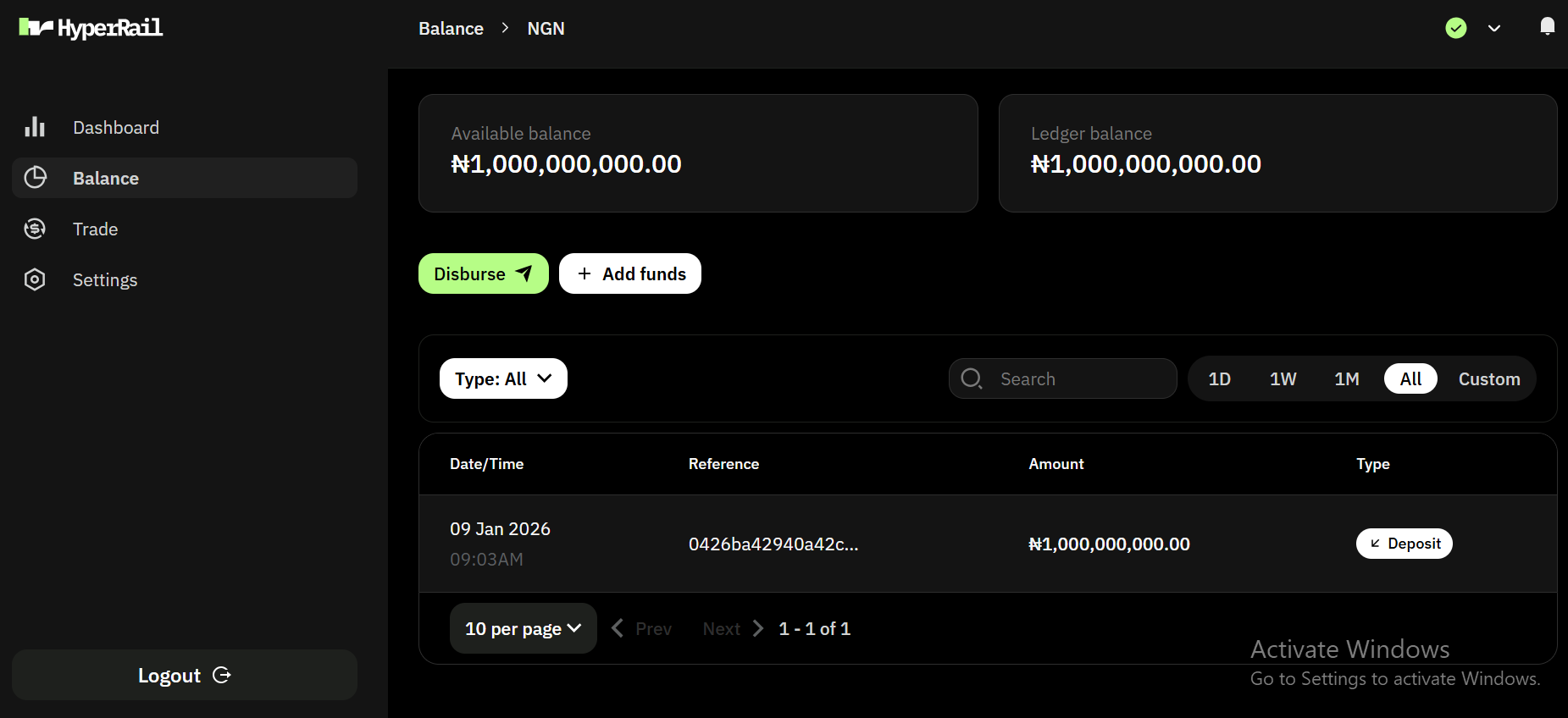
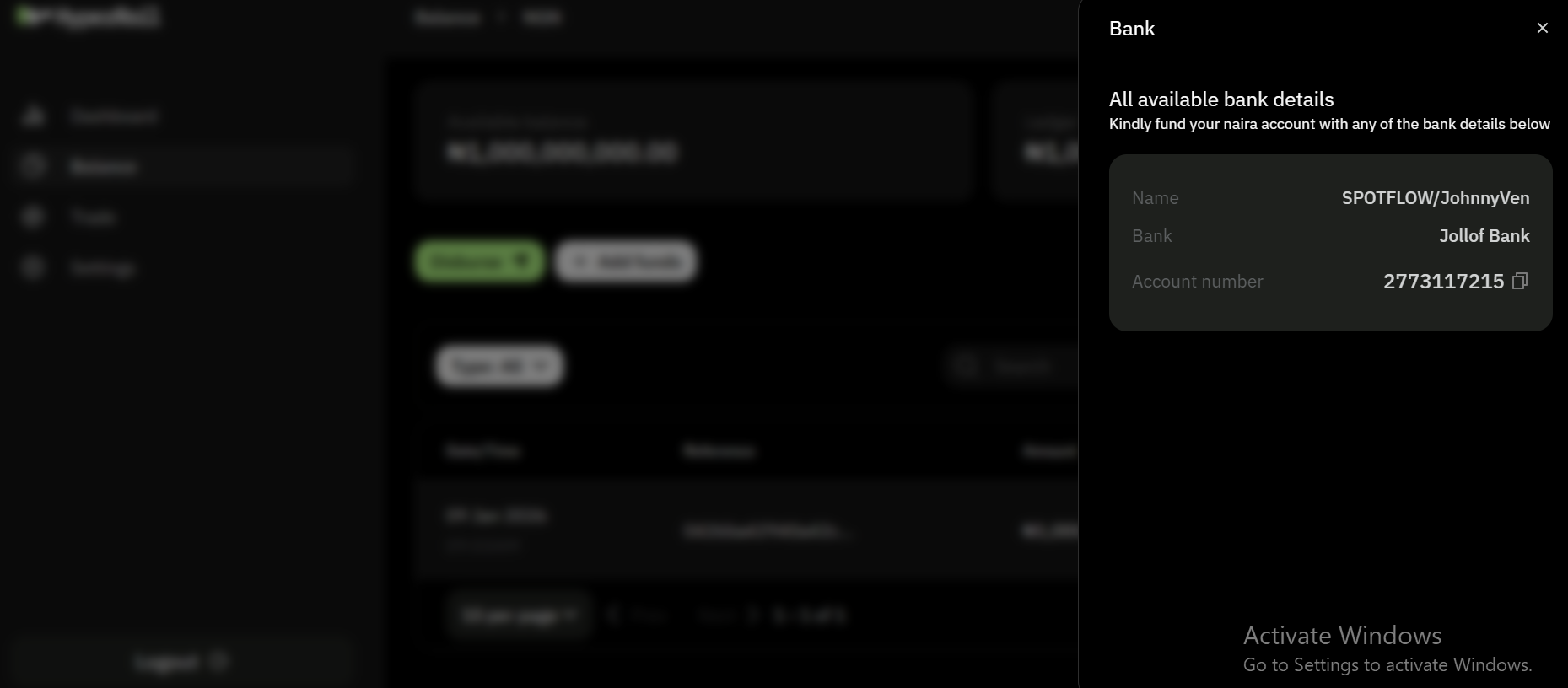
Main dashboard interfaceWe currency support NGN and GHS for funding wallet in HyperRailMain dashboard interfaceSelected NGN wallet and click on add fundsMain dashboard interfaceNote: This is a test account and we use jollof bank, for a live account we use Nombank
5

Start Transacting

Once approved, you can perform on-ramp, off-ramp, and fiat exchange transactions for a live account.

Onboarding as a Liquidity Provider

Liquidity Providers supply capital and pricing to support transactions on HyperRail.
1

Create an Account

Main dashboard interfaceSign up on HyperRail using your business email and complete basic account setup.
2

Fill in business information

Main dashboard interfaceSelect liquidity proivder as service type
3

Complete business verification

Main dashboard interfaceFill other information on business operation, contact information, business owners and documents. Don’t know what documents to upload check out verification process
4

Fund your account

Main dashboard interfaceWe currency support NGN and GHS for funding wallet in HyperRailMain dashboard interfaceSelected NGN wallet and click on add fundsMain dashboard interfaceNote: This is a test account and we use jollof bank, for a live account we use Nombank
5

Configure Supported Pairs

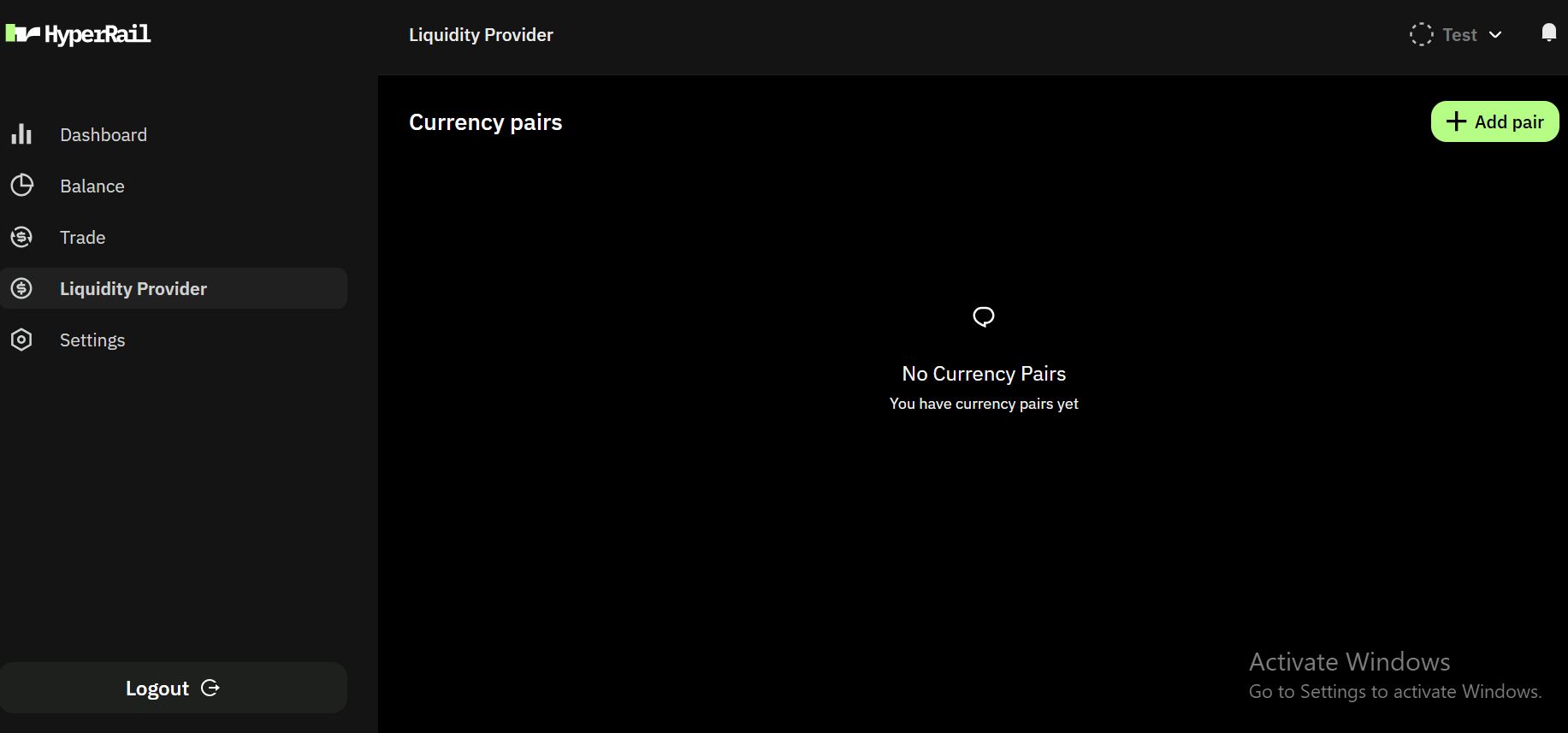
Main dashboard interfaceSelect Liquidity provider on the sidebar and click on Add pairMain dashboard interface
  1. Select source and destination currency.
  2. Choose a markup either manual, percentage and plus.
  3. Set your preferred rates threshold.
  4. Set your preferred liquidity amount threshold.
Important Notes
  1. We only support NGN, GHS and USD for fiat currencies.
  2. We only support USDT, USDC and MATIC for stablecoin currencies.
  3. We only support BASE, ETHEREUM and POLYGON for network.
6

Go Live

Your liquidity becomes available for transactions on the platform.

Verification Timeline

  • Typical approval time: 1–3 business days
  • You’ll receive email updates if additional information is required.

Need Help?

If you need assistance during onboarding, contact: